
A slow computer is one of the most common reasons people call us — and often you can win back a lot of speed yourself in an afternoon. Here are five things worth trying, in order, plus the one upgrade that beats them all.
1. Restart properly (not just sleep)
It sounds too simple, but a full shut down and restart clears memory and closes background tasks that pile up over days of sleeping the lid. If you never actually turn your computer off, start here. You'll be surprised how often it's enough.
2. Trim your start-up programs
Every app that launches when you log in steals a slice of speed. Many install themselves to start automatically — chat apps, updaters, "helpers" you never asked for.
- Windows: Task Manager → Start-up tab → disable what you don't need.
- Mac: System Settings → General → Login Items.
Leave your antivirus alone, but most of the rest can safely be switched off.
3. Free up disk space
A drive that's nearly full slows the whole system down. Aim to keep at least 10–15% free. Empty the recycle bin, clear downloads, and uninstall programs you no longer use. Old photos and videos are usually the biggest culprits — move them to the cloud or an external drive.
4. Check for malware
If your computer got slow suddenly, and you're seeing pop-ups or a browser behaving strangely, malware may be the cause. Run a scan with your security software. If anything looks locked, scammy, or asks for payment, don't touch it — that's a job for a proper removal.
Golden rule: never call a phone number that appears in a pop-up, and never let an unexpected caller connect to your computer. Real support never cold-calls you.
5. Keep everything updated
Updates aren't just about features — they fix bugs and security holes that can drag performance down. Let Windows or macOS install its updates, and update your browser too. Then restart to let them finish.
The upgrade that changes everything: an SSD
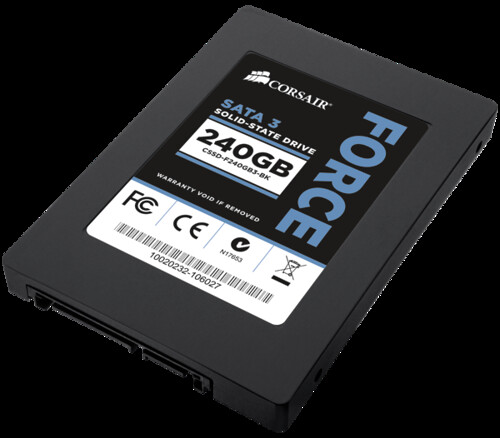
If your computer still has an old spinning hard drive, this is the single biggest improvement you can make. Swapping to a solid state drive (SSD) can turn a two-minute start-up into ten seconds and make everything feel instant. It's affordable, and on most laptops it's a quick job.
If you've tried the steps above and it's still crawling, an SSD (and sometimes a little more RAM) is usually the answer — and exactly the kind of upgrade we do all the time.